How Can We Help?
How to generate an API token in Bitbucket to access your private repos
To access your private repositories hosted on Bitbucket, you need to create a scoped API token.
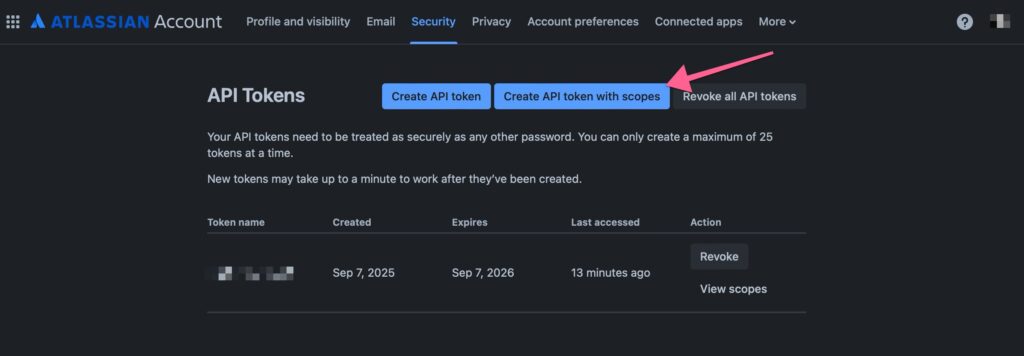
- Go to: https://id.atlassian.com/manage-profile/security/api-tokens
- Click on “Create API token with scopes”
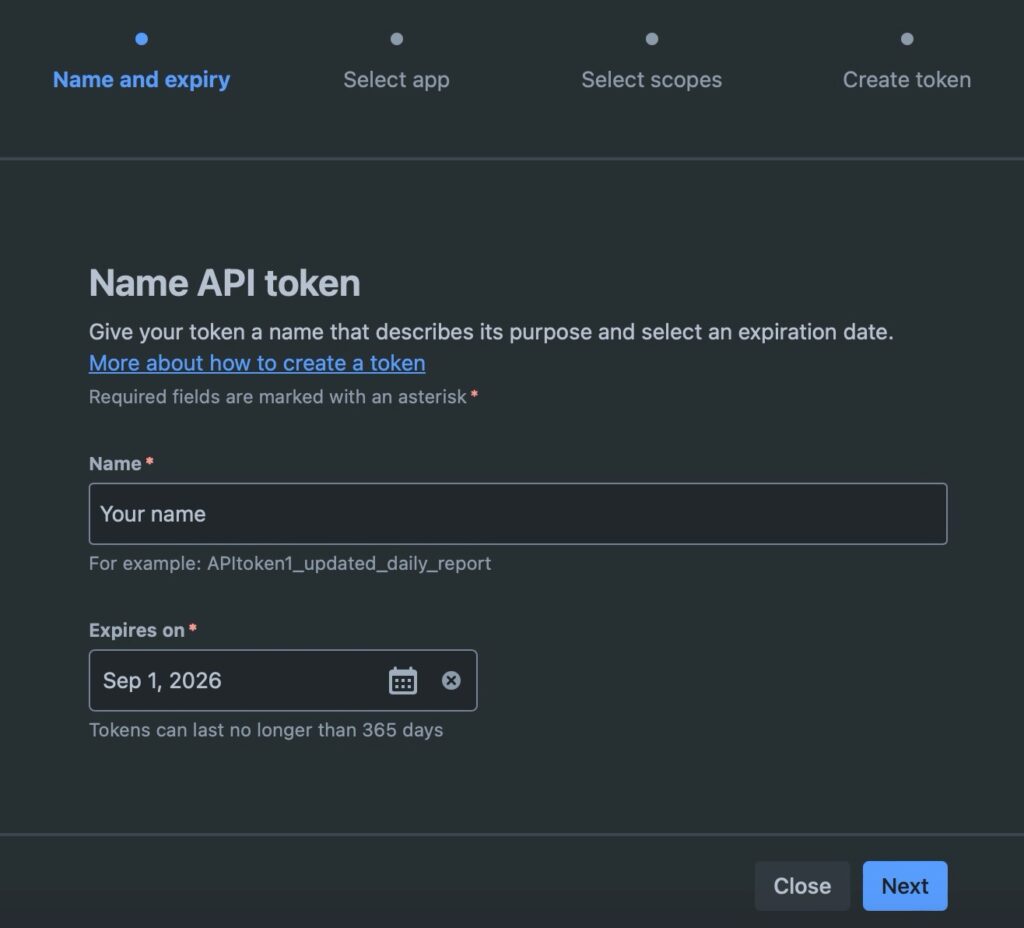
- Put any name and set an expiration date for the token:
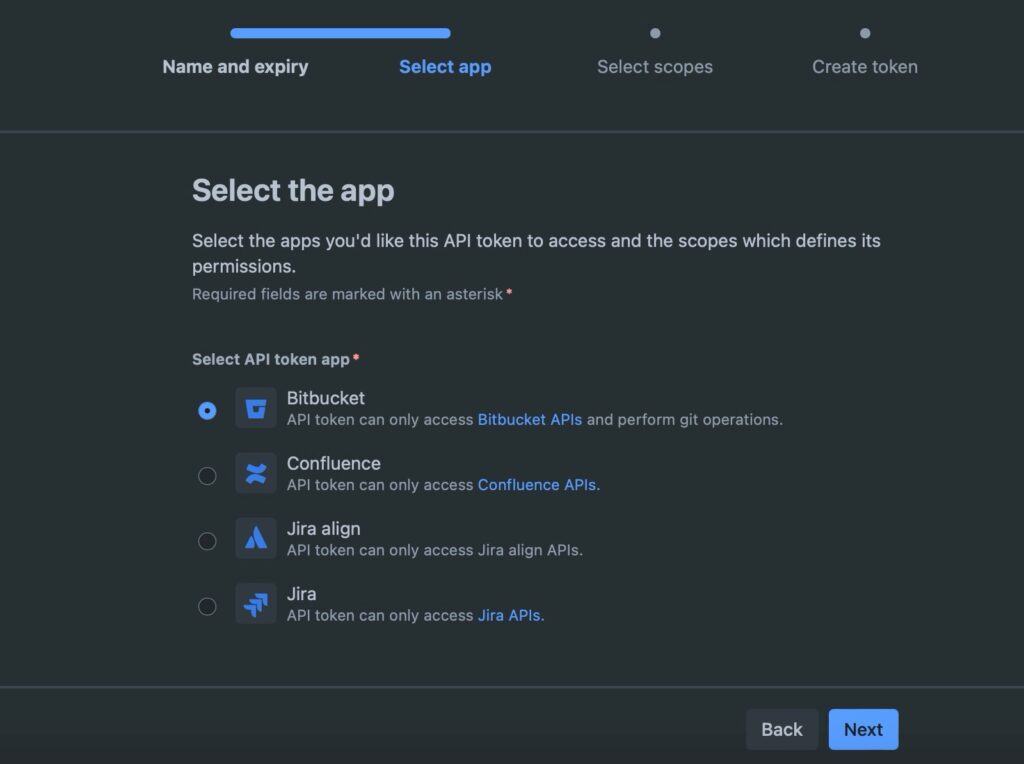
- Choose “Bitbucket” and click next:
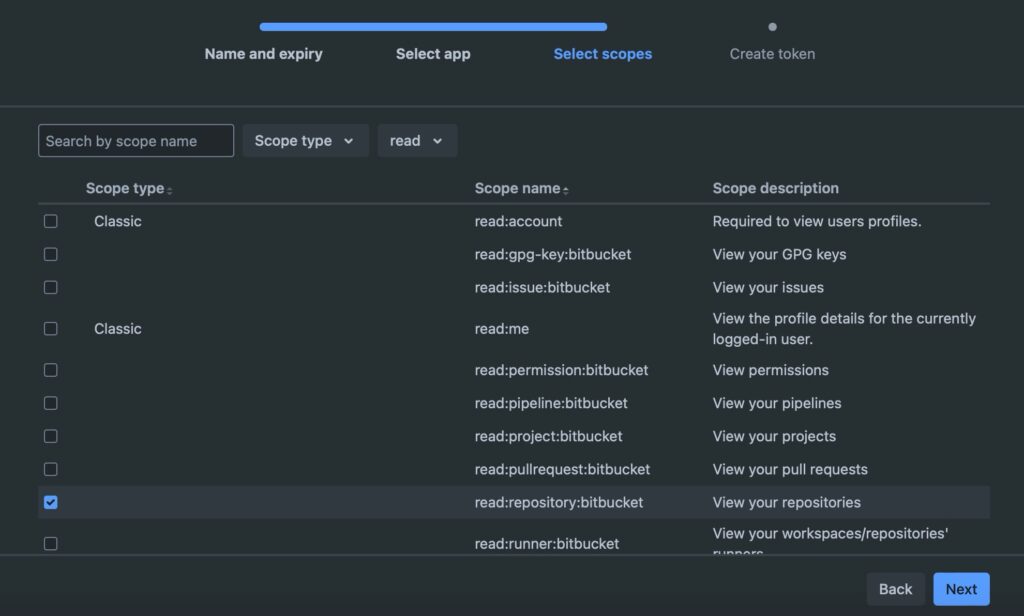
- Now select the scope called “read:repository:bitbucket”, which will allow the key to read repositories.
- Now, on the final screen, click “Create token”, and use that token when you install a theme/plugin in Deployer for Git.